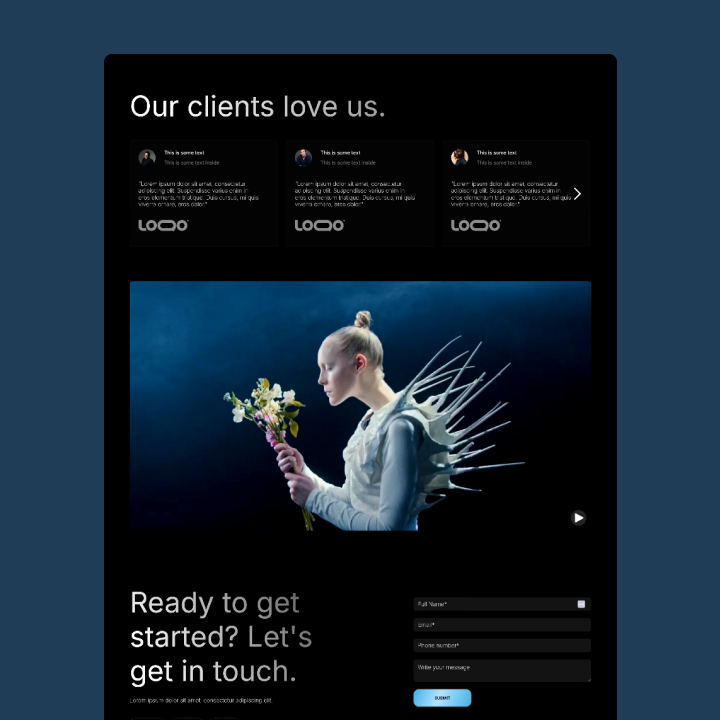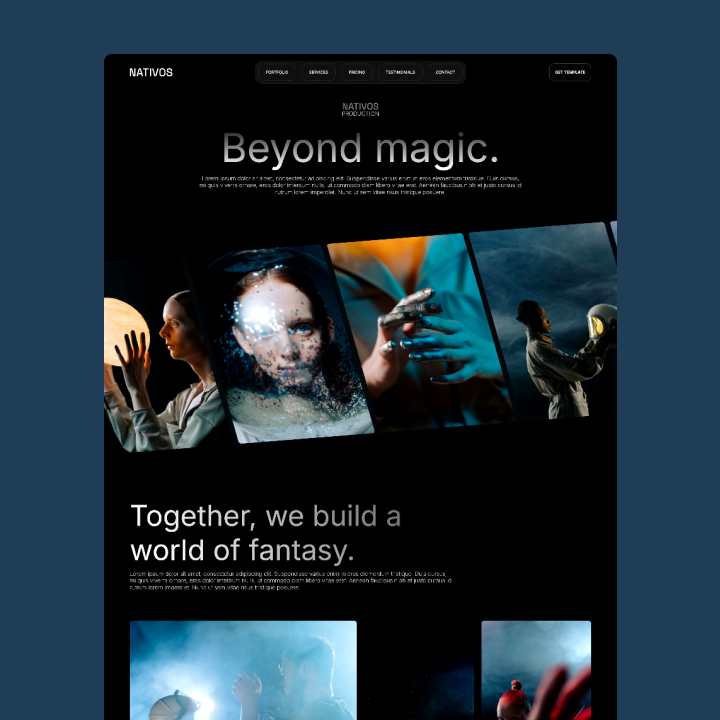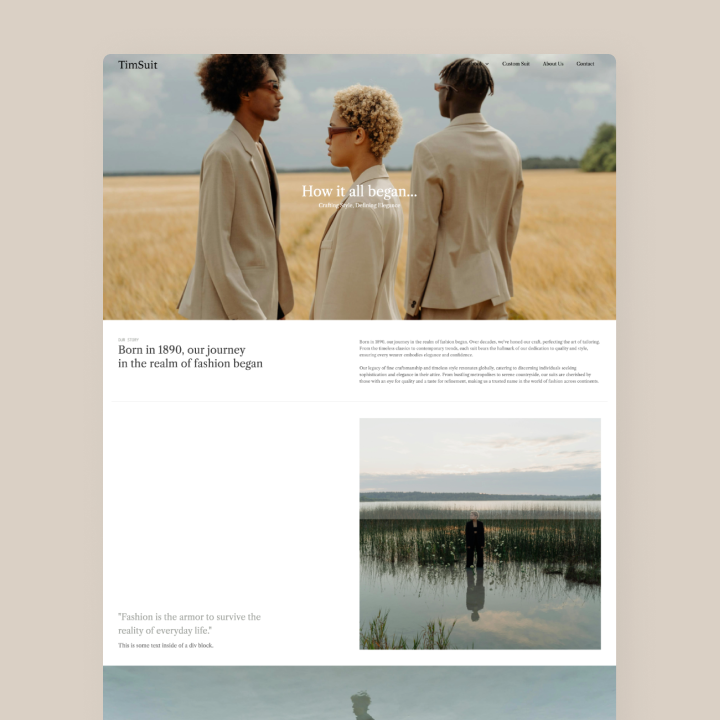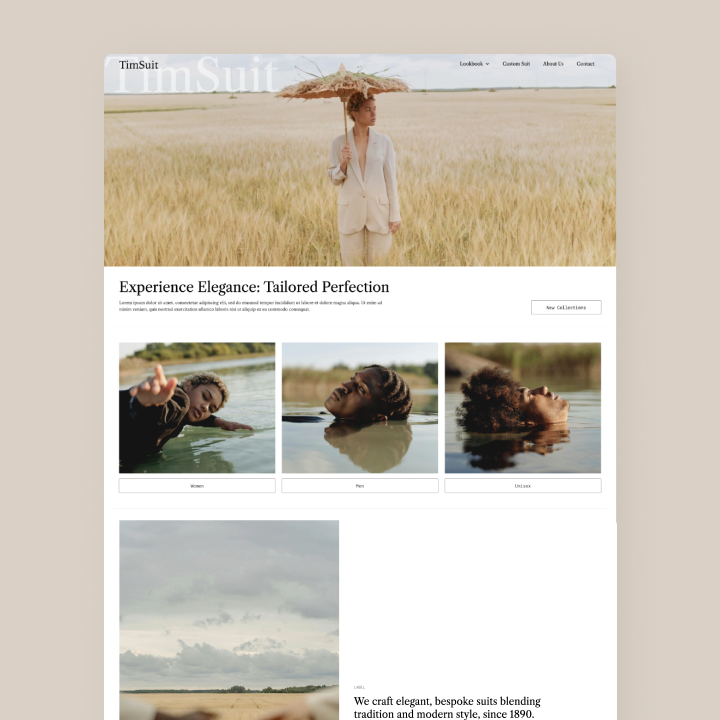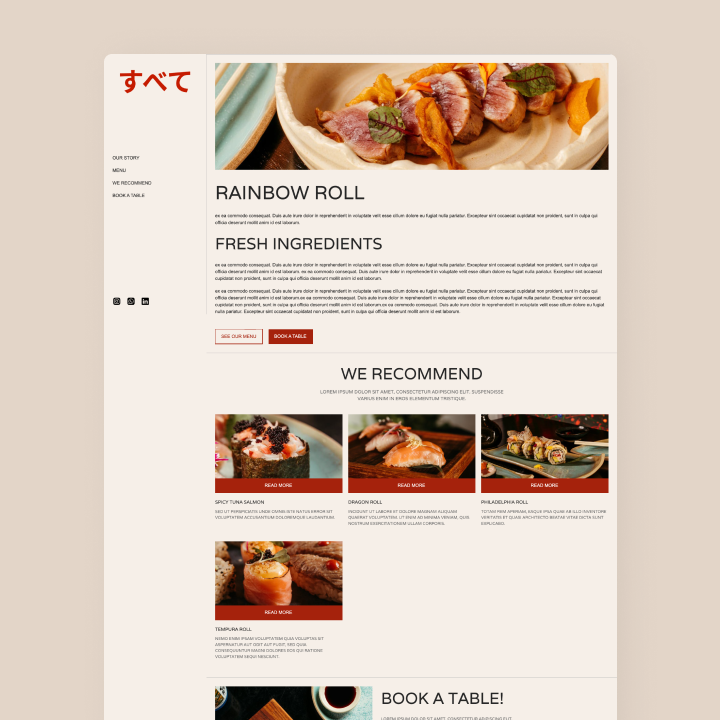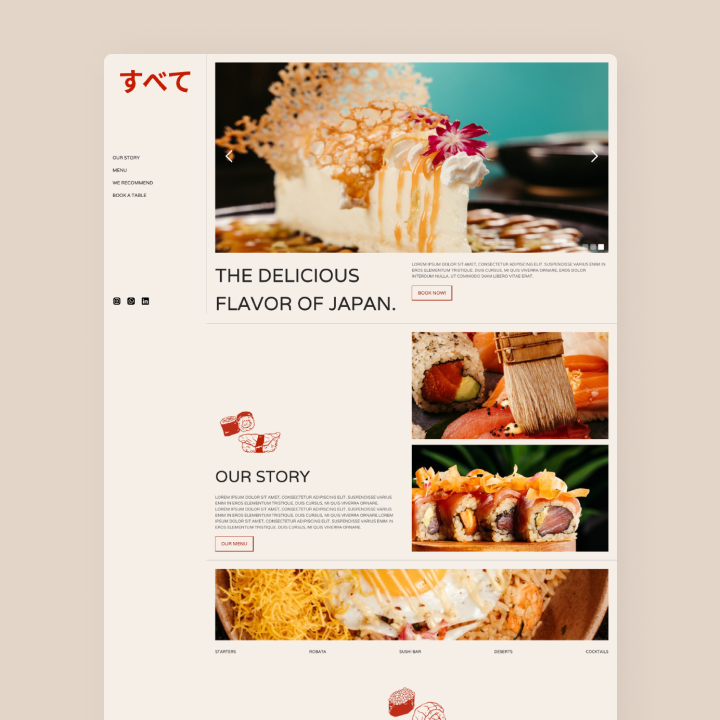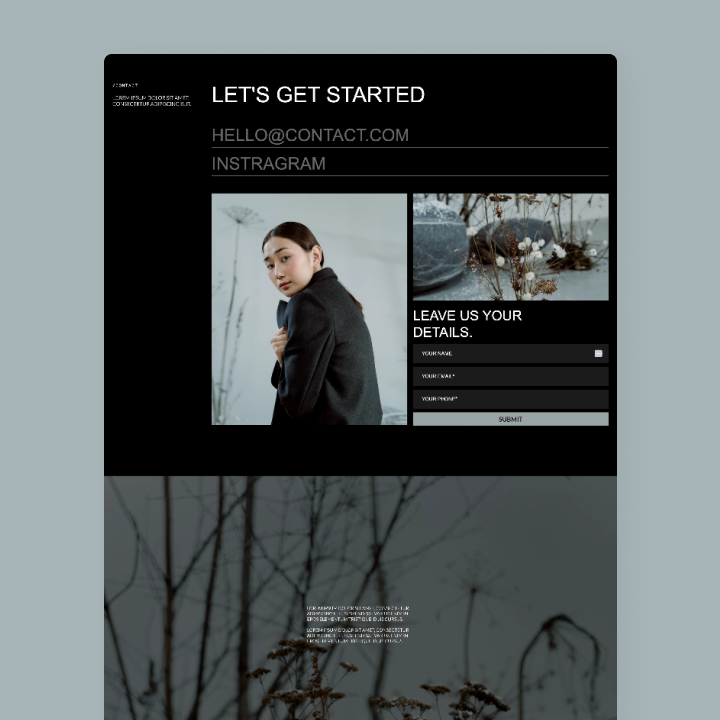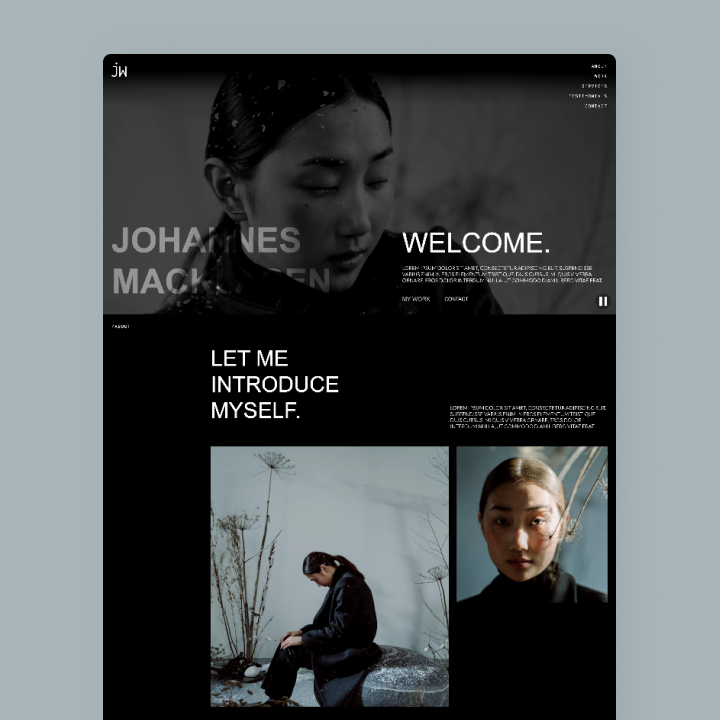
What will you get?
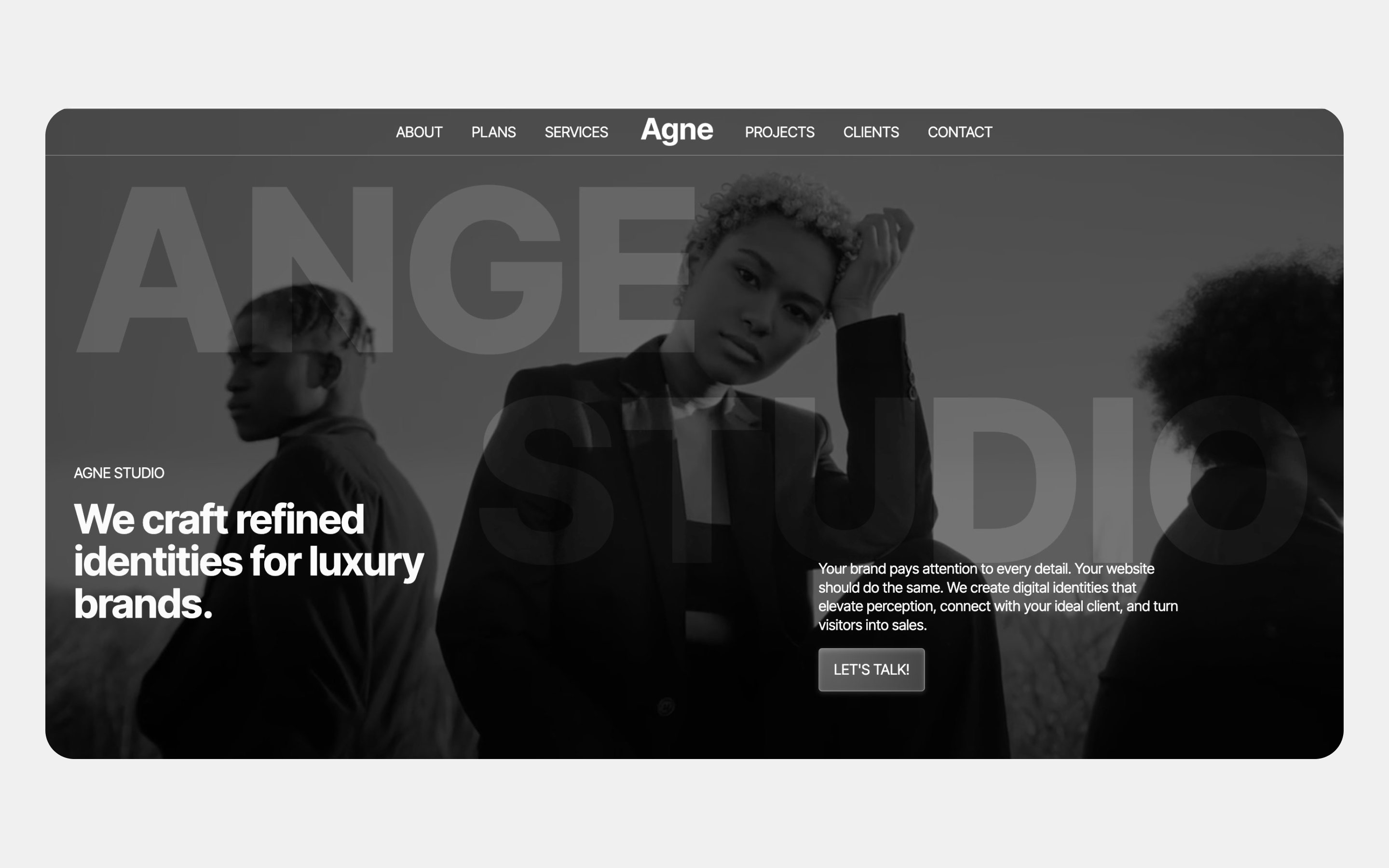
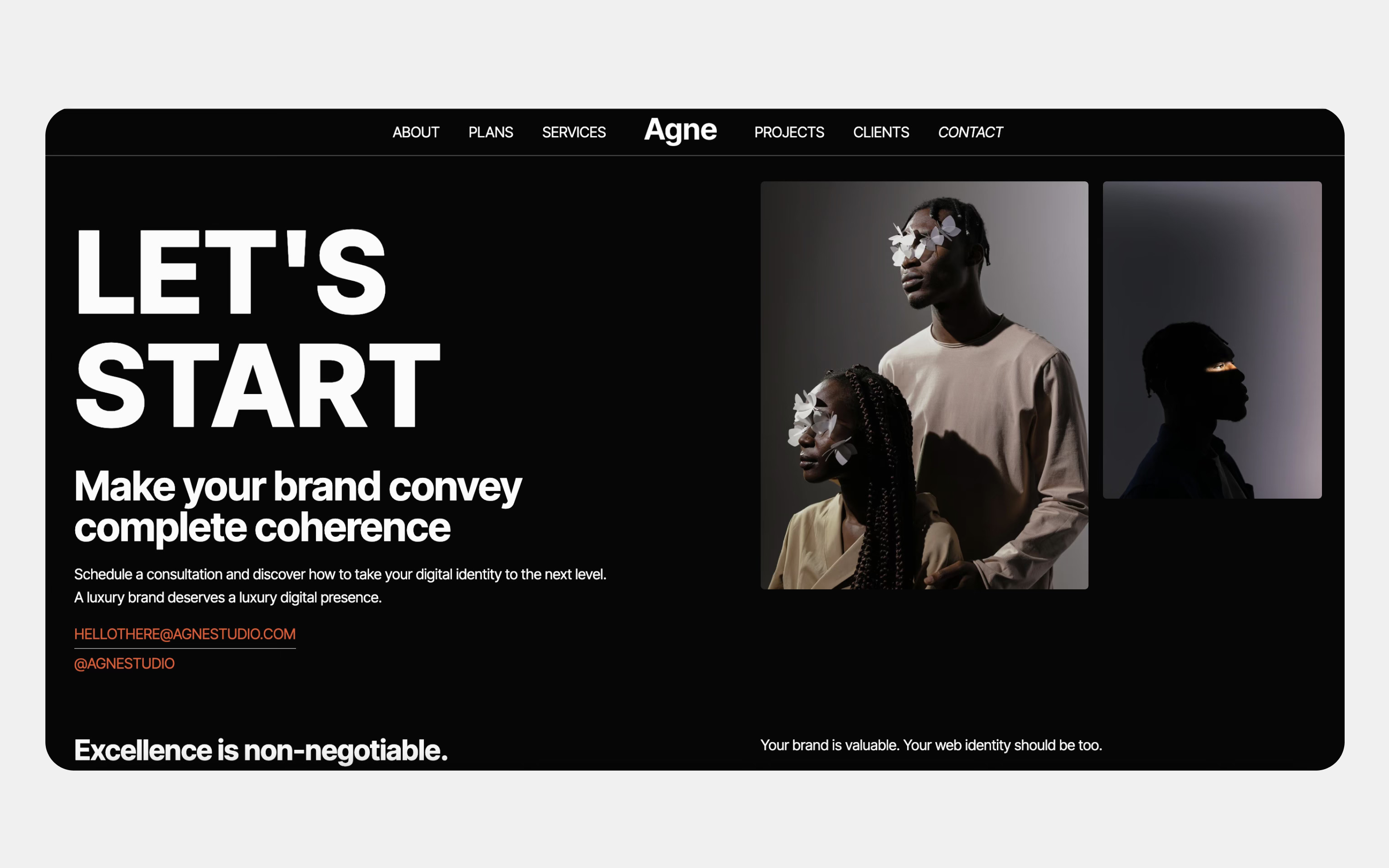
Launch faster, showcase your best work, and win more clients with Ange studio — a Webflow template designed to sell your services.
Once you complete the purchase, you will automatically download a PDF with a link to install the template in your Webflow workspace. You literally just need to click on the link, and create the website. (Webflow will ask you to create a free account, if you don't have one).
Launch a premium website in days...with a high-end design that instantly builds trust, credibility, and desire.
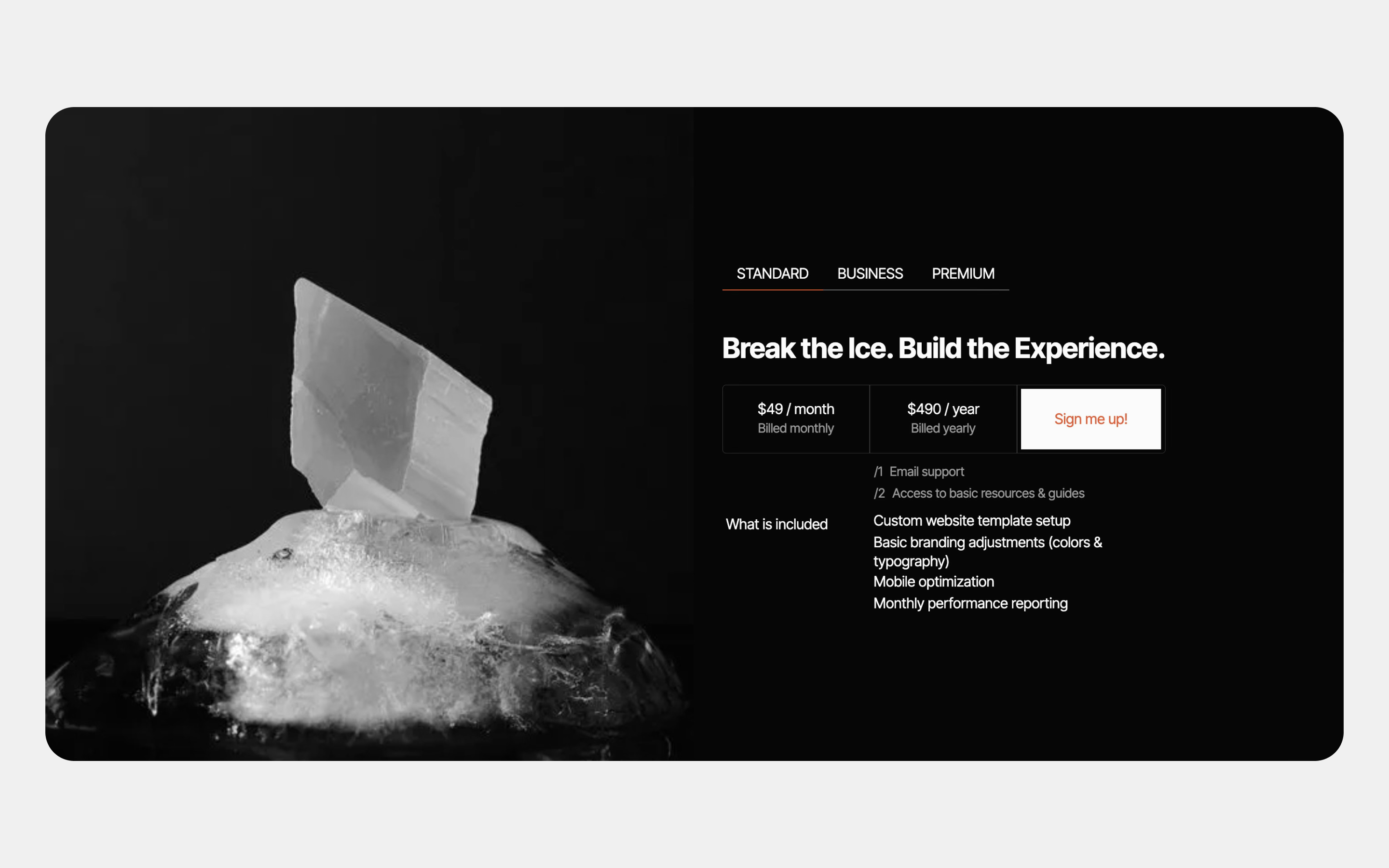
Ange studio — Webflow Template for Creative Digital AgenciesAnge studio is a premium Webflow template built for modern digital agencies that want to stand out, convert, and scale. Designed for studios specializing in videography, content creation, social media, and brand strategy, it combines striking visuals with a clean structure that turns visitors into clients.With a CMS-powered projects system, seamless responsiveness, and an intuitive style guide, Ange studio lets you launch fast and manage your portfolio effortlessly—no code required.
Why Choose Ange studio?
- Designed to Convert: A bold, modern layout that puts your work front and center, helping you build trust and make a strong first impression.
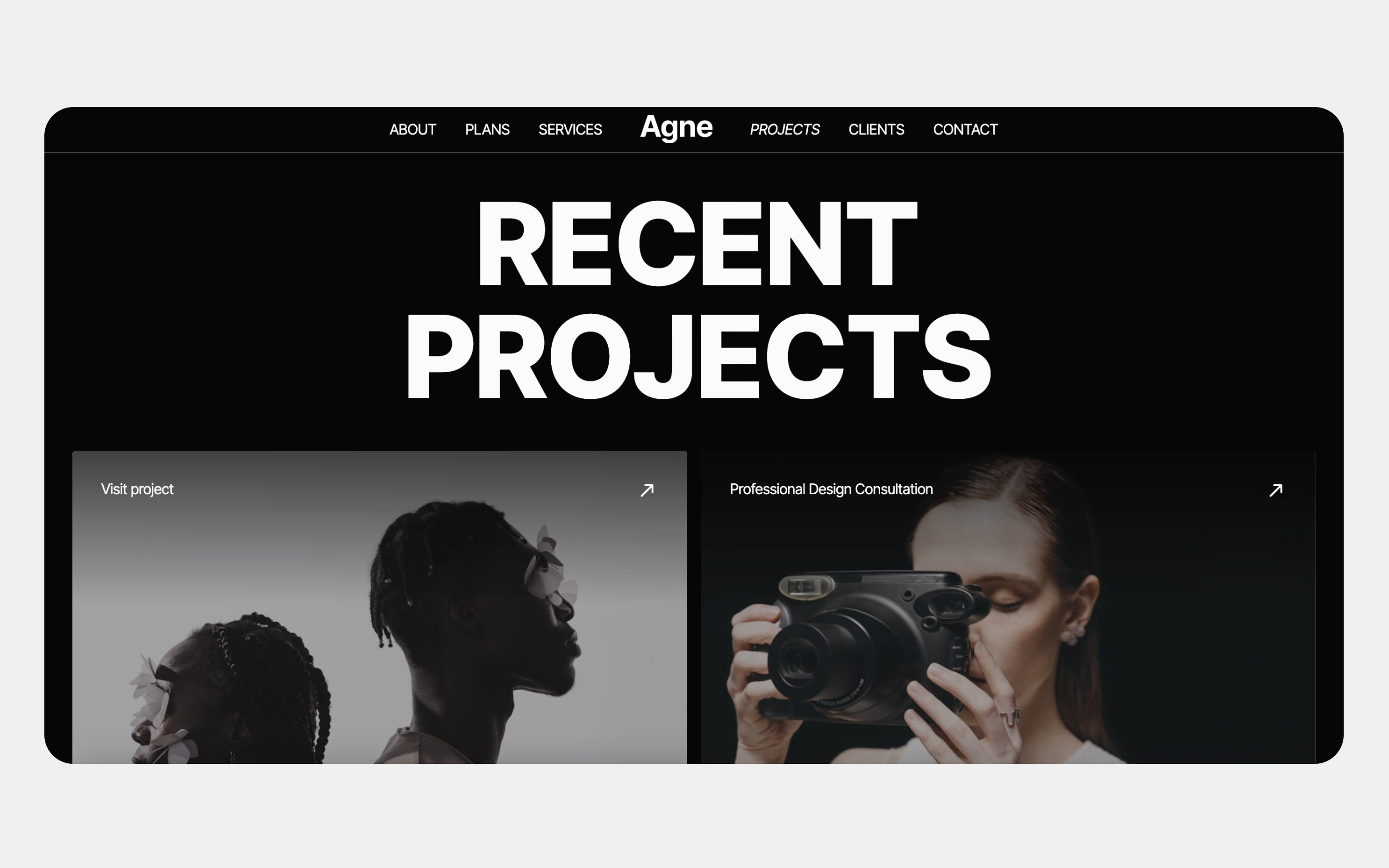
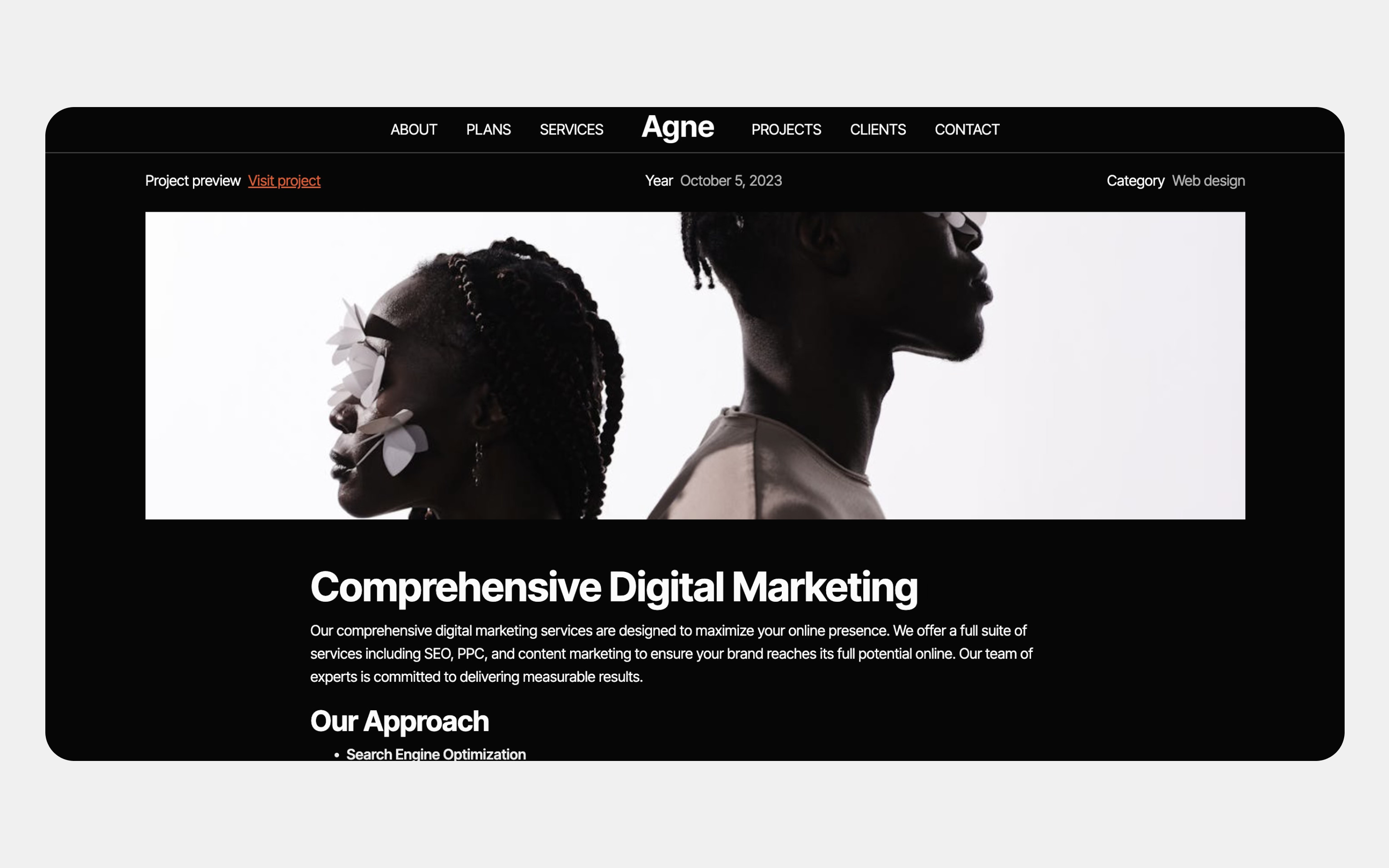
- CMS-Powered Projects: Easily add, update, and manage your projects using Webflow CMS. Perfect for growing agencies that need a scalable, dynamic portfolio.
- Made for Creative Agencies: Showcase videography, social campaigns, content production, and brand strategy with layouts designed to highlight visuals and storytelling.
- Fully Responsive: Optimized for desktop, tablet, and mobile to ensure a flawless experience on every device.
- Easy Customization: Change colors, fonts, and layouts quickly using the built-in Style Guide—no technical skills needed.
- Fast & Performance-Focused Optimized images, clean structure, and smooth interactions ensure fast loading and better user engagement.
- SEO-Ready: Built with best practices for search visibility, including proper heading structure and image optimization.
- Cross-Browser: Compatible Consistent performance across all modern browsers.
- Professional-Grade: Build Carefully crafted to meet Webflow and industry standards—ready for client work or agency launch.
Perfect For:
- Digital & creative agencies
- Videography studios
- Content creators & social media agencies
- Brand strategists & creative consultants
Launch faster, showcase your best work, and win more clients with Ange studio — a Webflow template designed to sell your services.
Single use license
Can only be used by you or one client for one end product. You cannot resell or redistribute this template in its original or modified state.
Do you need help?
Questions about this template? Just reach out to me and I will get back to you within 2 business days.
Frequent questions

Click on "Visit live site" button on the top right of the page to explore and interact with the live website.
It isn't possible to apply a template to an already existing project. Instead, you'll need to create a new project based on the Template.
With a Core plan (or higher), you can export sites built in Webflow, including templates, to host them anywhere you'd like.
You can modify the template however you want, and if you want to add a custom domain, you will have to purchaise a webflow plan for that specific site.
CMS templates are designed to use the power of the Webflow CMS. It is possible to downgrade to a Basic Site Plan as long as all CMS content is deleted from the project.
Ecommerce templates are designed to use the power of Webflow Ecommerce. It is not possible to remove Ecommerce from a template, however, deleting all Ecommerce Products and Categories from the project, will allow to select a lower Site Plan.
Do you need support updating the template?
If you need support customizing the template, you can send an email to hello@ainamiraldadesign.com.
We offer customization packs.
Built to help you launch in days, instead of months!
Customize your entire design system — colors, fonts, spacing, and styles — in just a few clicks. No code required.
Give trust and credibility with a strong online presence...
This is for:
1. Modern startups looking to build a website fast, & economic.
2. Entrepreneurs wanting to launch their product or service.
3. Freelancers & agencies offering solutions to their clients.